Nonprofit Treasurer Spreadsheet: Restricted Funds Tied to the Bank
Rp180.486 on Etsy, prices shown in your currency at checkout
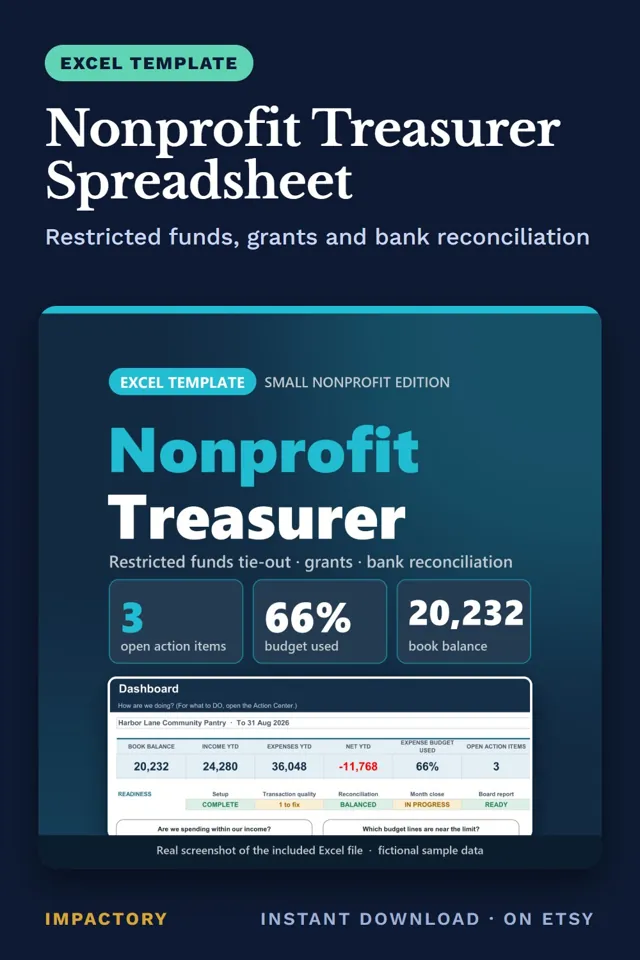
Nonprofit Treasurer Spreadsheet is an instant download sold on Etsy. Sample data in the demo file is fictional and clearly marked.
View on EtsyTreasurers who keep grant money in one general balance often can't say how much of a restricted grant is left until the report is due.
Two habits fix most of this. Tag every transaction with a fund, so restricted, designated and unrestricted money stay apart. Then record what a funder has actually paid separately from what they awarded, because an award letter isn't cash in the bank.
Here's the difference, using the fictional pantry in our example file. Before: the board sees a book balance of 20,232. After: the same balance split by fund. The Youth Mentoring Grant has received 6,000 of a 12,000 award and spent 3,200, leaving 2,800 restricted. The Food Access Grant has 1,700 left of 8,000 received. 10,000 is designated as a board reserve. The funds add up to the book balance.
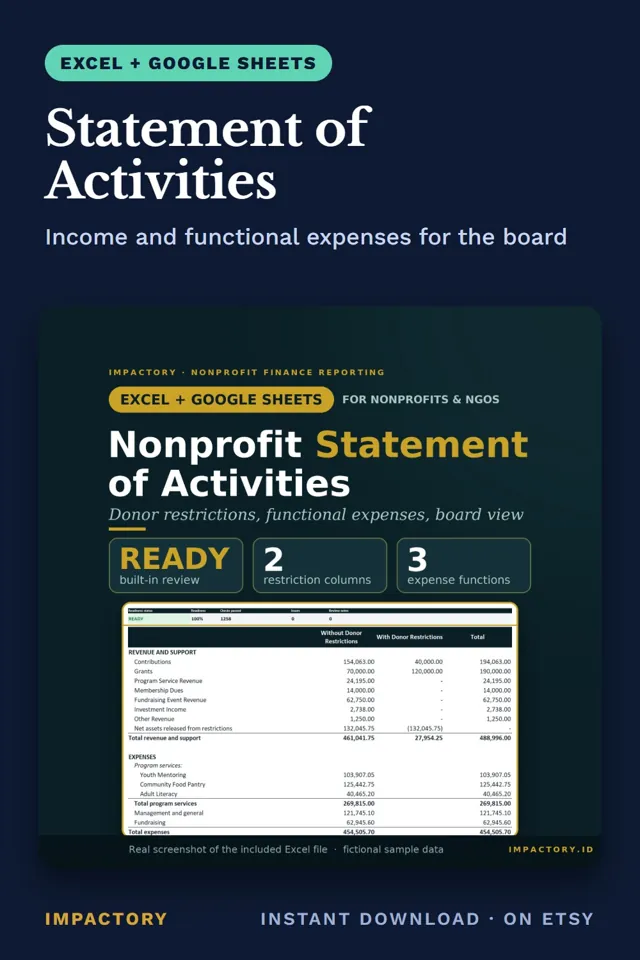
Our Nonprofit Treasurer Spreadsheet for Excel and Google Sheets does this from one register. The Funds tab checks the total against the reconciled book balance and flags any restricted fund below zero. The grant register links received money to actual deposits and flags reports inside your warning window (30 days by default). The Monthly Board Report fills itself in.
It isn't double-entry bookkeeping, formal fund accounting or a Form 990.
Related guide: Grant Management for Small Nonprofits: A Practical Guide, Nonprofit Bookkeeping and Restricted Funds: A Guide