
Nonprofit Bookkeeping and Restricted Funds: A Guide
This guide is for treasurers of small nonprofits, churches, PTAs, PTOs and booster clubs, many of them volunteers who took the role because nobody else would. The questions they face at board meetings are short and pointed. Does the bank match? How much of that grant is left? Is the Building Fund money still there? What did the fun run actually make? A treasurer who keeps one running balance in a spreadsheet can answer none of these with confidence.
The good news is that a handful of methods answer all of them, and none requires accounting software. This guide explains each one, with worked examples from fictional sample files. It is not tax or legal advice, and any report that will leave the organization, such as one for a funder, auditor or regulator, should be reviewed by a qualified accountant.
Separate restricted, designated and unrestricted money
Every dollar a nonprofit holds sits in one of three groups. Restricted money was limited by a donor or funder to a purpose or a period: a grant for a youth mentoring program, a gift for the building. Designated money is set aside by your own board, such as a reserve, and the board can change that decision. Unrestricted money can be used for any purpose within your mission.
Mixing these in one general balance is the most common reason a treasurer cannot say how much of a restricted grant is left until the report is due. Two habits fix most of it. First, tag every transaction with a fund, so each type of money keeps its own running balance. Second, record what a funder has actually paid separately from what they awarded, because an award letter is not cash in the bank.
The fictional pantry in the Nonprofit Treasurer Spreadsheet example shows the difference. Before, the board sees a book balance of 20,232 and nothing else. After, the same balance is split by fund:
| Fund (sample) | Award or basis | Received | Remaining | Type |
|---|---|---|---|---|
| Youth Mentoring Grant | 12,000 award | 6,000 | 2,800 after 3,200 spent | Restricted |
| Food Access Grant | grant | 8,000 | 1,700 | Restricted |
| Board reserve | board decision | n/a | 10,000 | Designated |
The remaining funds make up the rest of the 20,232, and all of them add up to the book balance exactly. The board can now see that a large part of the cash is already spoken for, which changes how it reads the headline number.
A common mistake is recording the full award as income in the month the letter arrives. That makes the grant look fully funded when only half has been paid. Record the award as a commitment and each payment as it lands in the bank.
Reconcile the bank to the books every month
A bank reconciliation answers the question every board president asks: does the statement match the balance the treasurer is reporting? It works in four steps:
- Start from the bank statement’s ending balance.
- Add deposits in transit: money you recorded that the bank has not posted yet.
- Subtract outstanding checks: payments written but not yet cleared.
- Compare the adjusted figure with your book balance. They should be equal exactly.
The word that matters is exactly. “Close enough” is where errors and missing cash hide, so any difference gets explained before the meeting, not after. In the fictional football booster example in the Booster Club Treasurer spreadsheet, the bank is BALANCED at a book balance of 6,379.75, and the status would read otherwise if the difference were even one cent.
Common causes of a stubborn difference: a deposit recorded twice, a bank fee nobody entered, a check entered with transposed digits, or a family payment split in two parts but recorded as one. Work through them in that order. Tracking each player fee or sponsor payment to the actual deposit by ID makes the split-payment case easy to find.
Tie the funds out to the reconciled balance
A reconciled bank balance tells you the total is right. It does not tell you whether each fund still holds its money. That needs a second check, the fund tie-out, which works in three steps.
First, reconcile the book balance to the bank as described above. Second, add up every fund’s balance: General, Building, Missions, Benevolence and the rest. That total must equal the reconciled book balance exactly. Third, look for any designated or restricted fund below zero. A negative restricted fund means its money has been spent on something else, and the finance committee should hear about it, along with a plan to restore it.
Done monthly, this turns a nervous question into a one-line answer: our funds agree with the bank. In the fictional example of the Church Treasurer Spreadsheet, a 55,493.60 book balance splits across four funds and ties out. The same method works for any nonprofit with more than one fund.
The mistake to avoid is fixing a negative fund by quietly moving money from the general fund without a record. If the board approves a transfer, record it as a transfer with the date of the decision, so the history explains itself a year later.
Report events as net, not gross
After every fundraiser, the board wants one number: what the event actually made. That number is net, not gross. Net raised is income minus direct costs, and direct costs are the ones you paid only because the event happened: shirts, prizes, rentals, printing. Staff time and general overheads are a separate conversation.
Record each cost against the event as it is paid, not at the end when receipts are scattered. Then the answer comes in four parts: raised, costs, net, and net against the goal. In the example file of the PTA / PTO Treasurer spreadsheet, a fictional elementary-school PTO’s Fall Fun Run raised 6,245.50, cost 1,206.05 and netted 5,039.45 against a 6,000 goal. Because the shortfall shows the moment costs are entered, it can be raised before anyone asks.
Reporting gross makes an event look healthier than it was and can lead a board to repeat a fundraiser that barely covers its costs.
Read a Statement of Activities, including releases
Sooner or later a funder or auditor asks for a Statement of Activities, the nonprofit version of an income statement. Treasurers usually stall at one line: releases from restriction. Two definitions make the report readable.
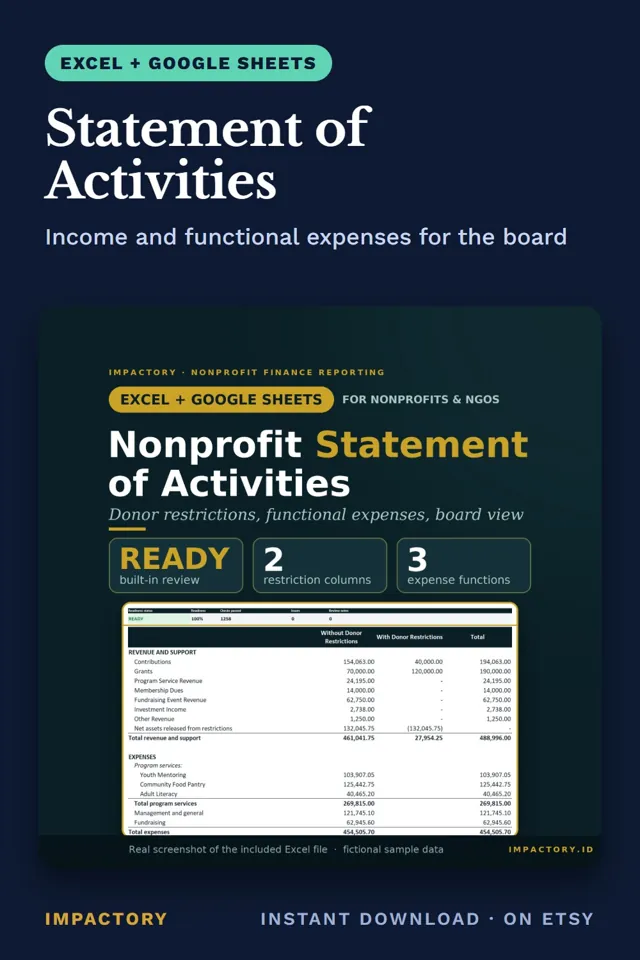
Net assets with donor restrictions is money a donor limited to a purpose or a period. When you spend it on that purpose, it is released. The amount leaves the With Donor Restrictions column and appears in Without Donor Restrictions, so the total does not change. Skip the release and restricted funds look larger than they are, while unrestricted funds look like they paid for a program they did not.
The second definition is functional expenses. Every expense is split between Program Services, Management and General, and Fundraising. The split shows a board what share of spending reaches programs. Shared costs such as rent may need an allocation method, and that method should be written down and used consistently.
The Statement of Activities generator builds both from one table of revenue, expenses and releases, creates releases automatically when restricted money is spent, and keeps reports marked DRAFT until its review checks find nothing blocking. It does not prepare or file Form 990 and is not GAAP-certified, so have a qualified accountant review any report before it goes outside the organization.
Close the month and the year cleanly
A monthly board report should come from the same register as everything else, not be retyped. It needs the reconciled bank balance, the fund balances, income and spending for the month, and any restricted fund below zero or grant report coming due. Signature lines for the treasurer and the president turn it into a record of what the board was told.
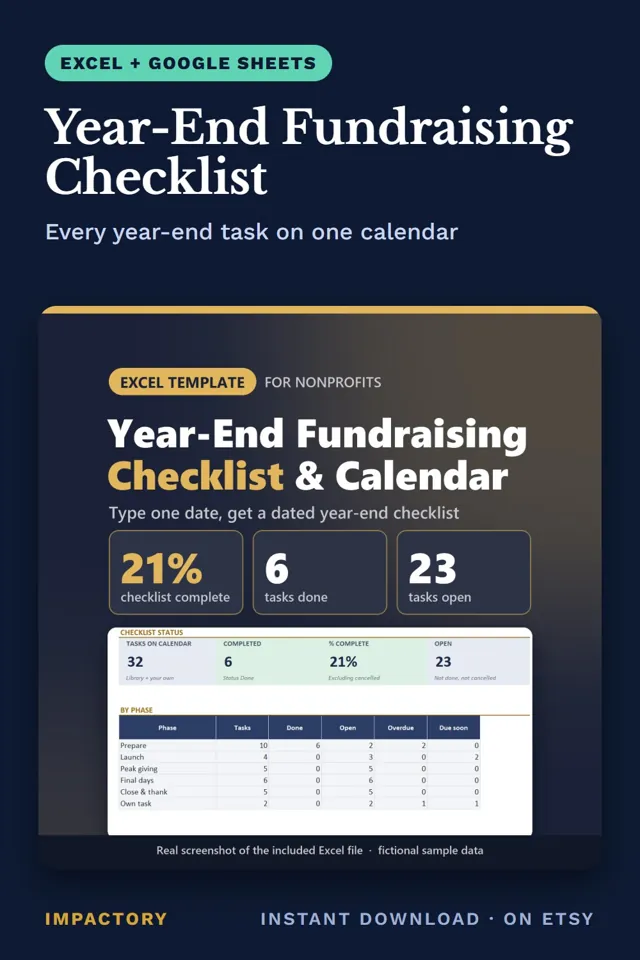
At year end, reconcile fundraising totals with your finance records. A year-end checklist that counts back from December 31 puts that task about ten days into January, alongside writing down a few lessons for next year. The Year-End Fundraising Checklist dates 30 such tasks from a single year-end date. Then prepare a handover: a clean file, the last reconciliation, open items in writing. Treasurer roles turn over often in volunteer organizations, and the next person should not have to rebuild the books from bank statements.
Tools that help
- Nonprofit Treasurer Spreadsheet: checks fund totals against the reconciled book balance, flags restricted funds below zero and links grant money received to actual deposits.
- Booster Club Treasurer: works out outstanding checks and deposits in transit and shows BALANCED only at a zero difference.
- Church Treasurer Spreadsheet: runs the fund tie-out from one register and produces giving statements for any family and date range.
- PTA / PTO Treasurer: reads each fundraiser’s net result from your transactions and tracks dues by family.
- Statement of Activities: builds the statement and functional expenses from one table, with automatic releases and 11 checks per row.
- Year-End Fundraising Checklist: dates 30 year-end tasks, including the January reconciliation, from one year-end date.
Where to start
Good nonprofit bookkeeping at small scale rests on a few repeatable checks: tag every transaction with a fund, reconcile to the bank exactly, tie the funds out to that balance, report events as net, and record releases when restricted money is spent. Run them every month and the board’s questions get short, specific answers, and the next treasurer inherits books that explain themselves.
Tools mentioned in this guide
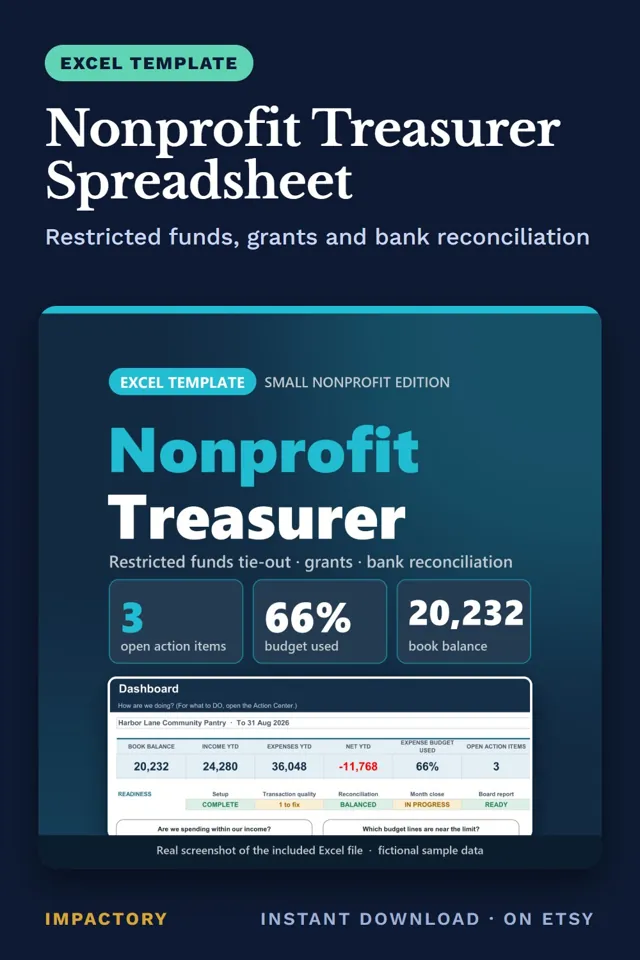
Nonprofit Treasurer Spreadsheet
Excel + Google SheetsTreasurers who keep grant money in one general balance often can't say how much of a restricted grant is left until the report is due.
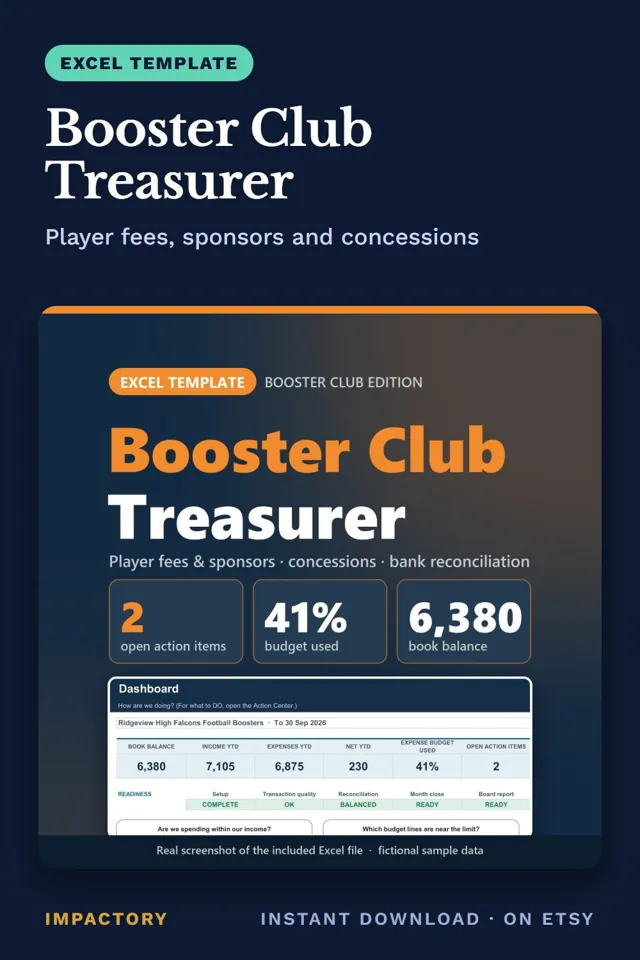
Booster Club Treasurer
Excel + Google SheetsBooster presidents ask the same thing at every monthly meeting: does the bank statement match the balance the treasurer is reporting?
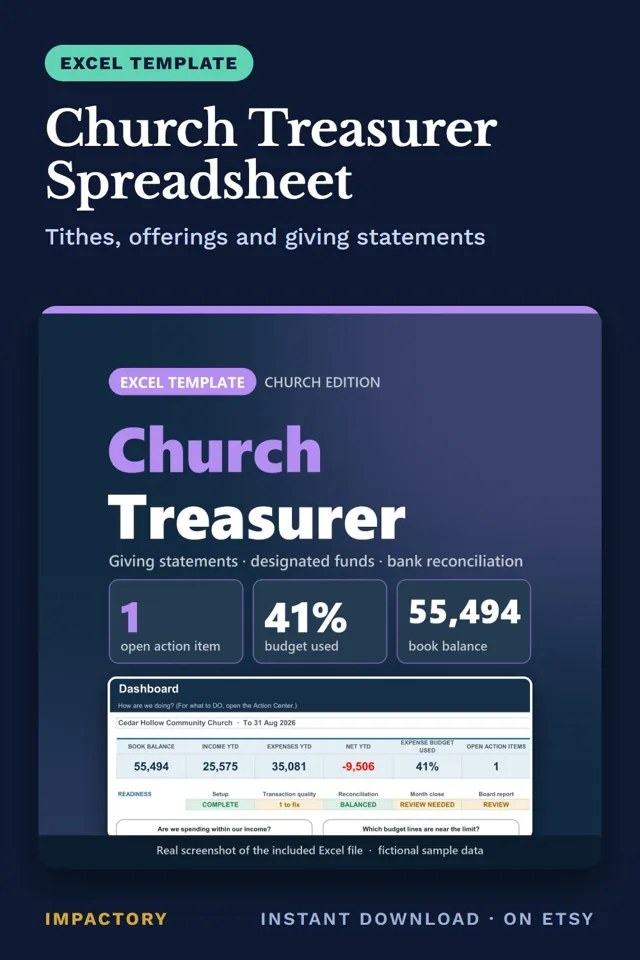
Church Treasurer Spreadsheet
Excel + Google SheetsWhen the finance committee asks whether the Building Fund money is still there, a church treasurer needs more than a running total.
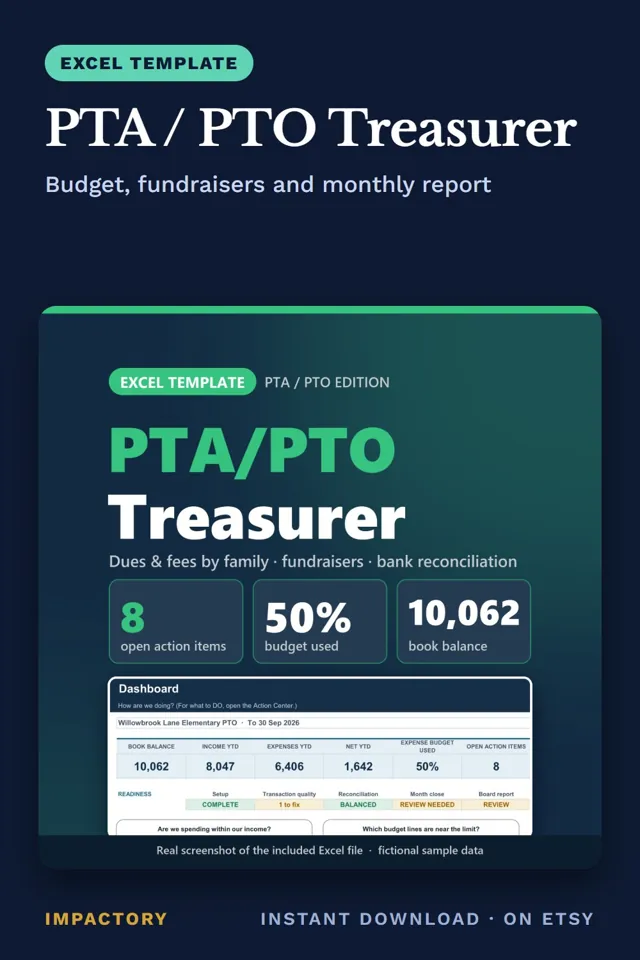
PTA / PTO Treasurer
Excel + Google SheetsAfter every fun run or book fair, a PTO board wants one number from the treasurer: what the event actually made.
Statement of Activities
Excel + Google SheetsTreasurers handed a transaction list and asked for a Statement of Activities usually stall at one line: releases from restriction.
Year-End Fundraising Checklist
Excel + Google SheetsSixty days before December 31 fell on Sunday, the point where a small team should already know its year-end goal and budget.