
Nonprofit Operations: Board, Programs and Impact Systems
This guide is for executive directors, operations managers and program leads at small nonprofits and NGOs who carry the administrative side of the organization. The typical starting point is six spreadsheets built by six people, a board that is not sure who is still serving, a dashboard that shows 0% where data simply was not reported, and an auditor’s question nobody can answer without phoning someone.
Operations work is less visible than fundraising or programs, but it is what lets an organization answer a board, funder or auditor with evidence. The sections below cover the core systems in the order most small teams should set them up, with the definitions and checks that make each one trustworthy. Examples come from fictional demo files and show method, not expected results.
One file per job, one owner per file
The rule that holds up in small teams is simple: one file per job, one named owner per file, and one fixed day each week when that owner opens it. A file without an owner decays within a quarter. A file with two owners decays faster, because each assumes the other updated it.
Order matters too. Start with contact records, because grants, donors and volunteers all point back to people. Then the grant pipeline, then donor retention, then the board and volunteers. Trying to set everything up in the same month usually means nothing gets finished. The Nonprofit Operations OS Bundle follows that order with a start-here PDF for the first 30 days.
The payoff shows up in meetings. An executive director can say which grants deserve proposal time, which donors are close to lapsing and whether the board has quorum, from files they trust.
Count board quorum correctly
Quorum is the minimum number of eligible members who must be present for a meeting to make valid decisions. Your constitution or bylaws set the number, not a template and not habit. Quorum questions tend to surface late: the board has acted on a resolution, and then someone asks whether enough directors were present to pass it.
Boards slip in three places. They count people whose term had already ended. They count non-voting attendees, such as staff or advisers. And they keep attendance in a form nobody can check later. The fix is to record, for each meeting date, who was serving, who attended and the quorum rule in force. A meeting that fell short is inquorate, and every decision minuted at it carries the same status until the board addresses it.
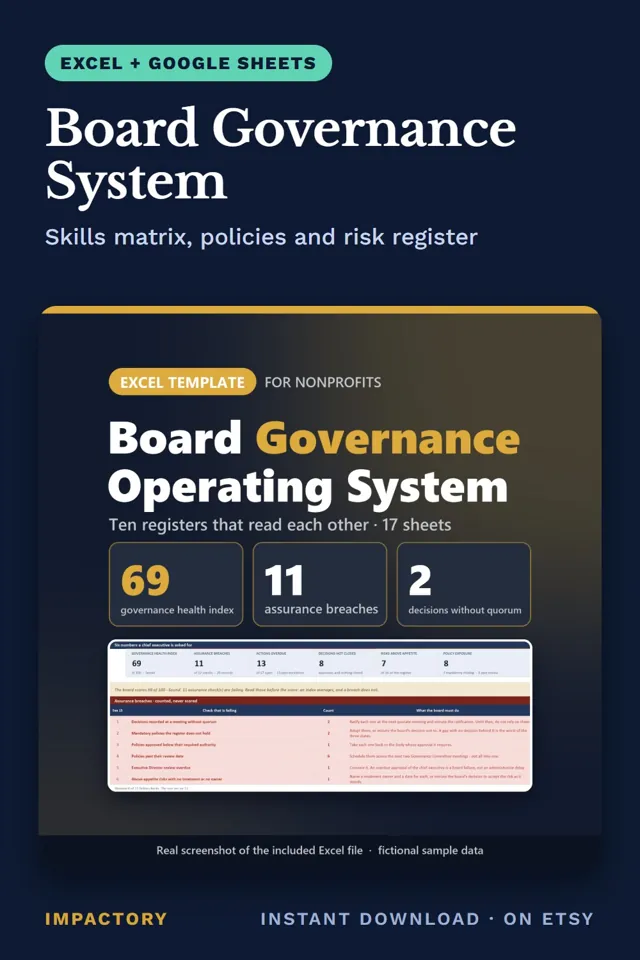
Two related checks are worth adding. Count skills coverage twice: today, and after the term expiries already on the calendar, so a gap in finance or safeguarding experience shows before it opens. And keep pass-or-fail assurance checks, such as conflict-of-interest declarations, separate from any overall health score. In the fictional sample board in the Board Governance System, the index reads 69 of 100 while 11 of 12 assurance checks fail. Averaged together, those failures would disappear into a respectable number.
Track volunteer readiness role by role
Volunteer coordinators who count every accepted applicant as available learn on the day of the shift who never finished training. Define readiness precisely: a volunteer is ready for a role when that role’s requirements are complete, including orientation, required policies, training and any verification step your organization sets.
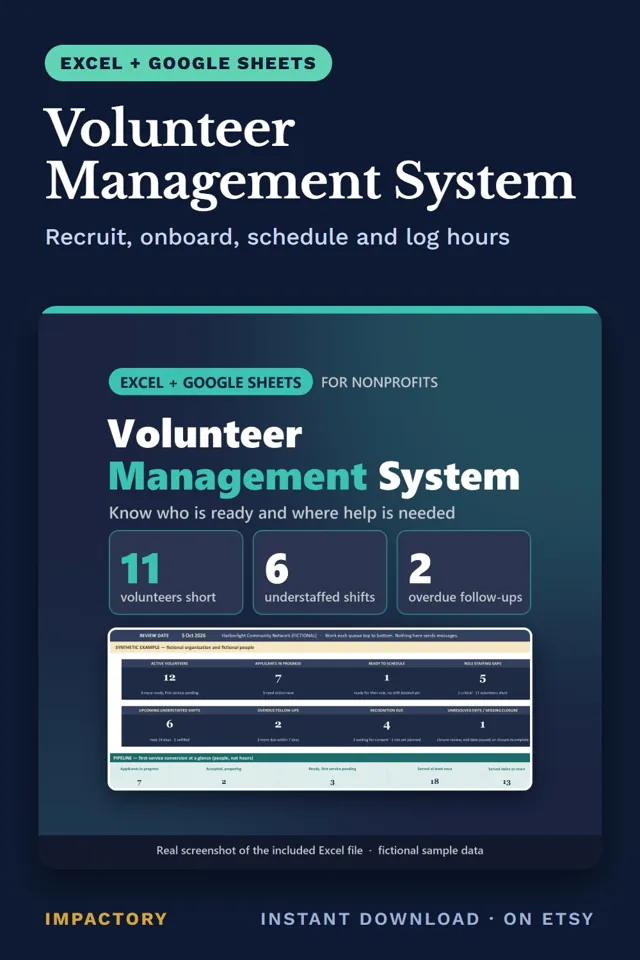
Readiness is per role. The same person can be ready to sort donations and not yet ready to work with children. A staffing gap should count only active, ready people. A second definition matters at year end: a volunteer who finishes a commitment as agreed has completed, not churned, and should be counted separately from early exits. Mixing the two makes retention look worse than it is and hides the real early-exit problem. Recognition needs care as well: record consent before naming anyone publicly. The Volunteer Management System checks each assignment for people who are not ready, double-booked or outside their availability.
Run programs by exception
Program directors with several projects running often learn a milestone slipped only when the funder report is due. A weekly exception review prevents most of that. Instead of reading every project, list only what breaks a rule: critical issues, overdue work, blocked items, anything due soon, and projects nobody has updated recently. Rank them, give each an owner and a written reason, and spend the meeting there.
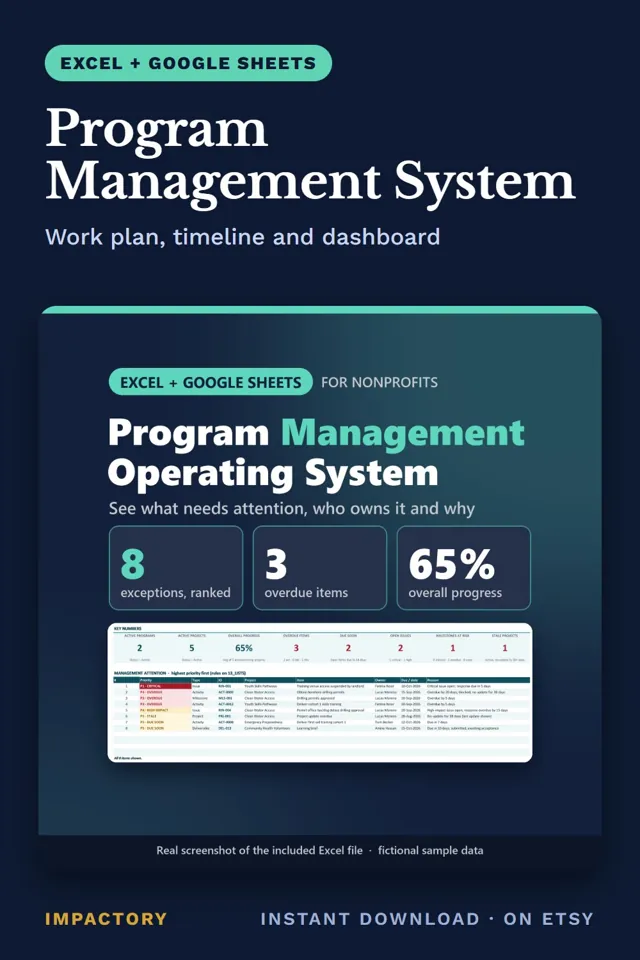
One detail decides whether the review is trusted. A project with no plan data should show as unknown or not assessed, not 0% complete. Otherwise the meeting argues about a number nobody measured. The Program Management System ranks every exception P1 to P5 with owner, date and reason, and its demo holds a fictional nonprofit with 8 projects across 2 programs.
Make impact claims the evidence supports
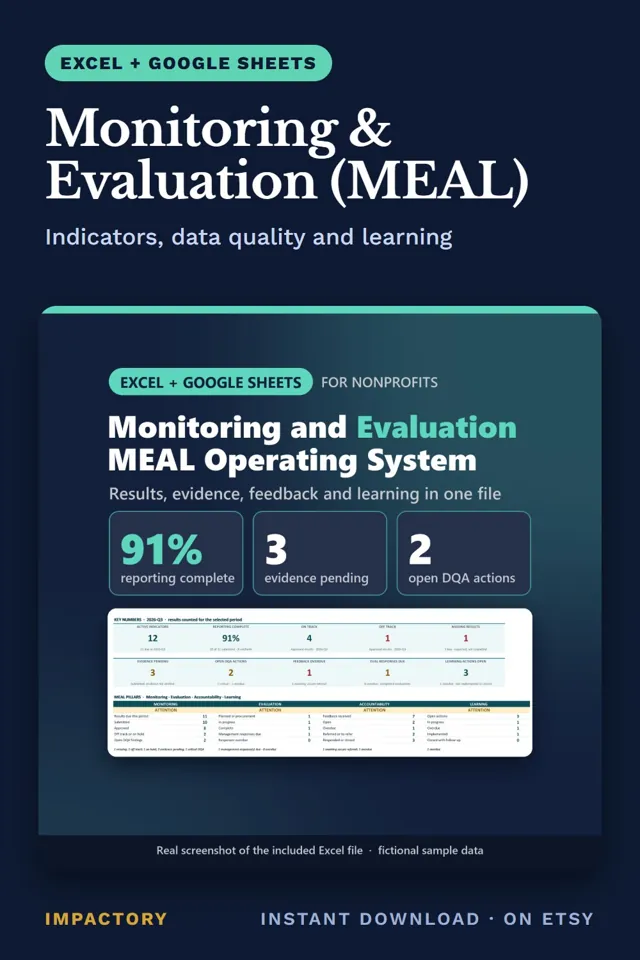
Monitoring starts with two rules. A missing value is not a zero: show it as not assessed and go and get the data. And judge each indicator by its own direction. A “lower is better” indicator, such as dropout or waiting time, reads upside down if you simply divide actual by target. Others are a range, a yes or no, or a milestone. In the Monitoring and Evaluation (MEAL) system, an indicator with no value for the period shows NOT ASSESSED instead of 0%, and one with an open critical data-quality finding is put on hold.
Evaluation adds a second discipline: separate the claims you make. Evaluators use a ladder like this one.
| Claim | What it means | What it needs |
|---|---|---|
| Output verified | You delivered what you said | Delivery records |
| Outcome observed | The measured change happened | A baseline and a follow-up measure |
| Contribution supported | Your program was one of the causes | Evidence linking activities to the change |
| Attribution | The program alone caused the change | A design with a comparison group |
Many program evaluations do not have a comparison group, so attribution is usually out of reach, and saying so plainly builds more trust than overstating. In the demo file of the Program Evaluation System, a fictional reading program sees the share of children reading at grade level rise from 38% to 48%. The workbook labels that as an observed outcome, with causal impact not established beside it. Unreviewed evidence never counts, and contrary evidence blocks a high-confidence label until it is resolved.
Score risk honestly
Inherent risk is the exposure before controls: how likely an event is, and how bad it would be. Residual risk is what remains with the controls actually operating. The common error is letting residual scores drop the moment a control is listed, even when nobody has checked that the control works.
On a 5x5 grid, a risk might move from 20 CRITICAL to 12 HIGH, but only if the controls behind that move exist, have an owner and have been reviewed. The gap between inherent and residual should be a judgment someone can explain. A register that lists risks without actions tells the board what could go wrong, not who is handling it, so every open risk needs an action with an owner and a date. The Risk Management System never lets a control lower a score by itself and logs incidents separately, linked to the risk that anticipated them. Its scores rank what to discuss and should never be read as probabilities.
Keep purchase, stock and asset records audit-ready
Auditors reviewing a grant-funded purchase tend to start with one request: show why this method, this vendor and this approver. The answer starts with threshold bands in your procurement policy. Each band ties a value range to a method, such as direct purchase, quote comparison, request for quotation or tender, plus a minimum number of offers and an approval level. Each purchase file then holds the offers, the evaluation, any conflict-of-interest declaration, the approval, and a check that order, receipt and invoice agree. Where a funder’s rule is stricter than your policy, record which rule applied and who decided. The Procurement Management System shows a policy gap when no band covers a value, instead of applying a silent default.
Stock follows a similar principle. The real record is the movements: every receipt, distribution, transfer, adjustment, loss and disposal. The balance is only their sum, so never type over it after a count. Post an adjustment so the variance stays visible, and issue the batch that expires first for food and health items. The Inventory Management System runs on a single movement ledger, so a funder’s question about where a batch of kits went becomes a filtered list of rows.
Equipment bought with grant money usually carries conditions about ownership, transfer and disposal. Start the closeout months before the end date: list every asset the grant paid for, read the terms, confirm location and condition, decide each item’s next use, and record the approval. The Asset Management System keeps a disposal blocked until the funder-terms check and approvals are in place.
Tools that help
- Nonprofit Operations OS Bundle: eight separate Excel and Google Sheets systems for grants, donors, board and volunteers, with a 5-page start-here PDF.
- Board Governance System: labels meetings INQUORATE from who was serving and attending, and counts skills coverage before and after term expiries.
- Volunteer Management System: tracks readiness role by role and checks every shift assignment.
- Program Management System: builds a ranked weekly exception list with owners and reasons.
- Monitoring and Evaluation (MEAL): shows NOT ASSESSED for missing values and marks each report READY or NOT READY with the reason.
- Program Evaluation System: labels each claim by the evidence behind it and prints a board and funder summary with open gaps.
- Risk Management System: tracks inherent and residual risk, actions and incidents, and prints a board report.
- Procurement Management System: applies your threshold bands to every purchase and closes a file only when nothing required is missing.
- Inventory Management System: calculates stock from a movement ledger with batch and expiry tracking.
- Asset Management System: flags donor-funded assets before a project ends and manages closeout by project.
Where to start
Operations systems earn their place when someone asks a hard question. Was the decision validly made? Who is ready for Saturday’s shift? Did the program cause the change? Why this vendor? Small teams can answer all of these from simple files, as long as each file has an owner, a missing value is never treated as zero, and every claim stays inside what the evidence supports.
Tools mentioned in this guide

Nonprofit Operations OS Bundle
Excel + Google SheetsExecutive directors who inherit six spreadsheets from six people often can't answer a board question without phoning someone first.
Board Governance System
Excel + Google SheetsQuorum questions tend to surface late: the board has acted on a resolution, then someone asks if enough directors were there to pass it.
Volunteer Management System
Excel + Google SheetsVolunteer coordinators who count every accepted applicant as available learn on the day of the shift who never finished training.
Program Management System
Excel + Google SheetsProgram directors with eight projects running often learn a milestone slipped only when the funder report is due.
Monitoring & Evaluation (MEAL)
Excel + Google SheetsZero percent on an M&E dashboard tells the board a program failed, when often the real story is that nobody reported.
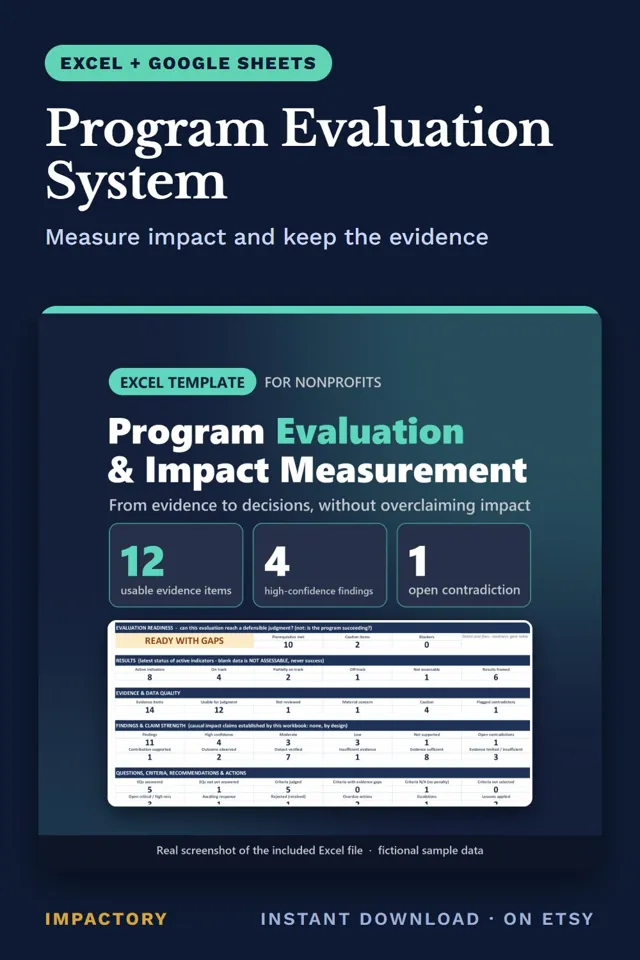
Program Evaluation System
Excel + Google SheetsFunders ask what changed, and a rising outcome number is easy to present as proof that your program caused it.
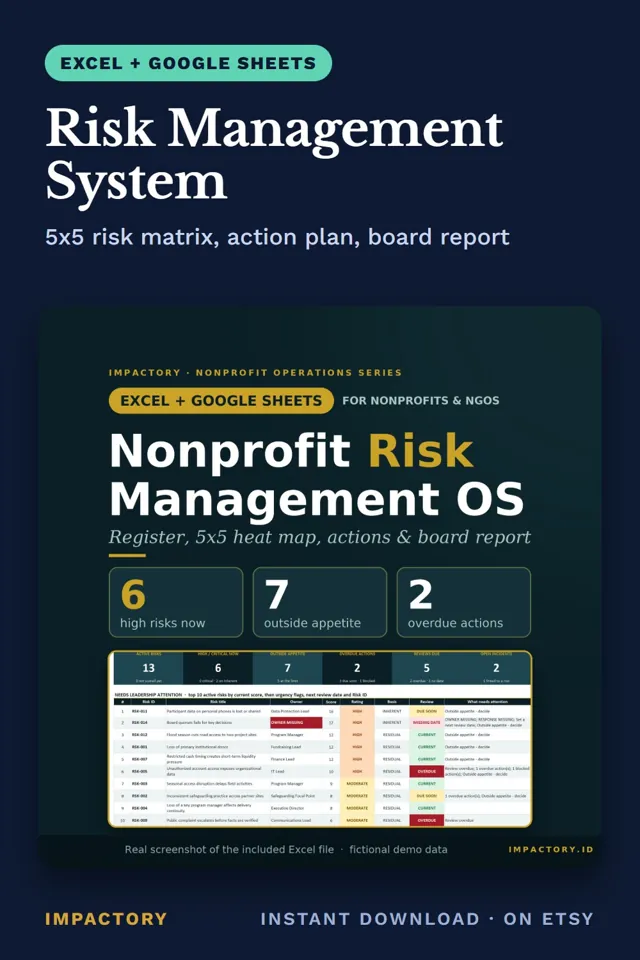
Risk Management System
Excel + Google SheetsResidual risk scores often drop on paper the moment a control is listed, even when nobody has checked the control works.
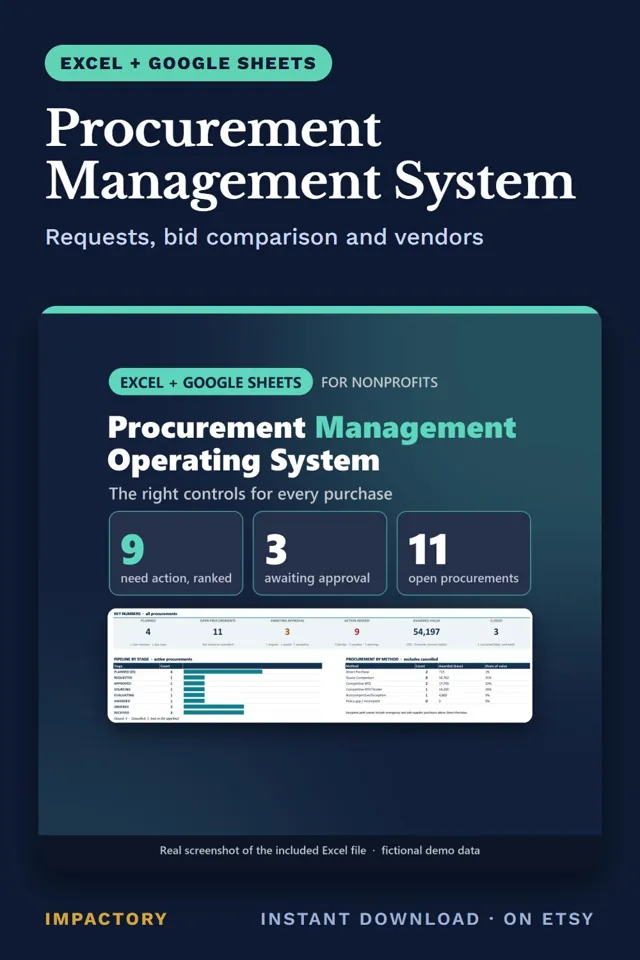
Procurement Management System
Excel + Google SheetsAuditors reviewing a grant-funded purchase tend to start with one request: show why this method, this vendor and this approver.
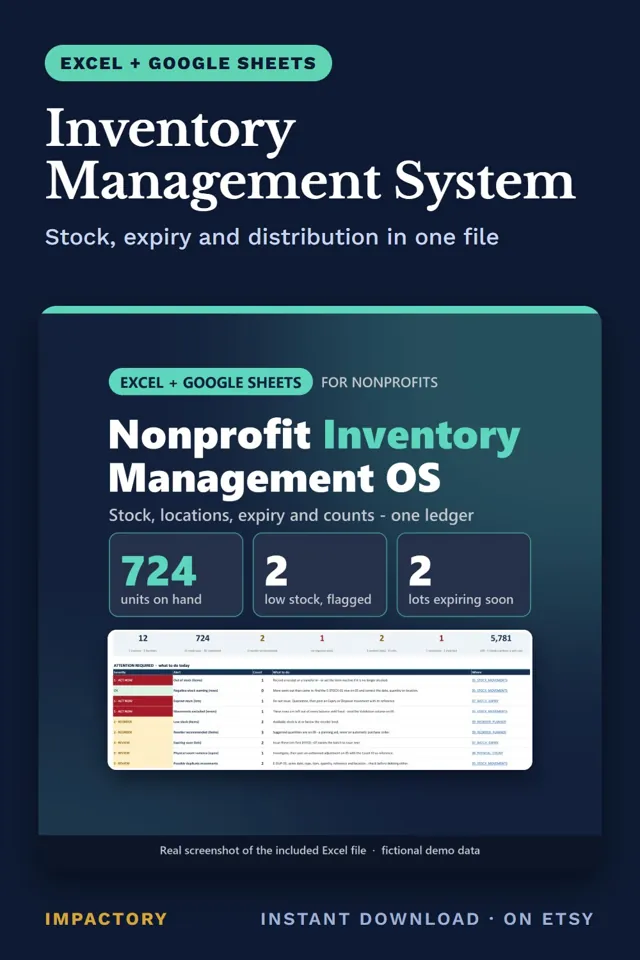
Inventory Management System
Excel + Google SheetsStock sheets with a typed balance column look tidy until count day, when shelf and sheet disagree and nobody can say why.
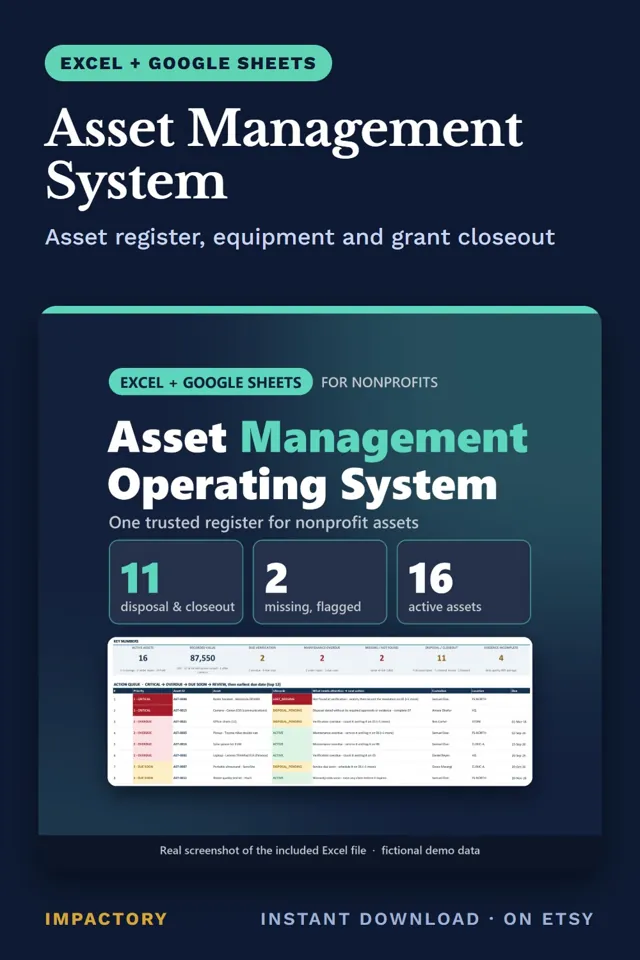
Asset Management System
Excel + Google SheetsIf a grant ends on 31 December, the laptops, vehicles and generators it paid for need a decision in the next two weeks.