Microsoft 365 for Nonprofits: Free Business Basic Setup Guide
Rp47.952 on Etsy, prices shown in your currency at checkout
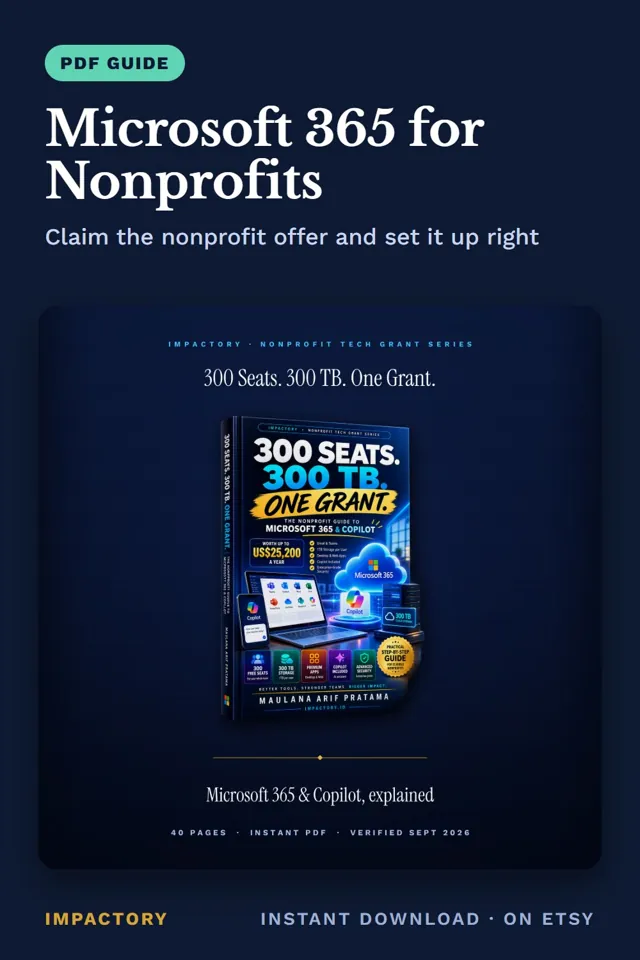
Microsoft 365 for Nonprofits is an instant download sold on Etsy. Sample data in the demo file is fictional and clearly marked.
View on EtsyOperations leads with Microsoft 365 approved often stall at the domain step, and staff keep using personal email for months.
- Approval gives you a tenant. The order of the first steps matters:
- Claim the free Business Basic offer first, so licensing exists in the tenant.
- Verify your domain with the TXT record Microsoft gives you. Book time with whoever controls your DNS.
- Create one account per person. Shared logins can't be revoked when someone leaves.
- Name a second Global Admin before anything else.
- Turn on multifactor authentication for admins, then everyone, and migrate email in one weekend.
Done in that order, the organisation owns its mailboxes, and a departure becomes a routine handover.
Our Microsoft 365 for Nonprofits guide covers these steps and the decisions around them: Business Basic (free for eligible nonprofits, up to 300 users) or Business Premium (US$5.50 per user a month for nonprofits), mixing plans per person; what the included Copilot Chat can and can't do; and how to file the 1TB per seat as an evidence archive. Prices were re-read from Microsoft's pages in October 2026, sources listed.
It can't guarantee validation. That decision belongs to Microsoft and its validation partner.